I make apps on my own, and most of what I print on my X1C is small and functional: clips, holders, covers, adapters. I wanted to draw those on the iPad with the Pencil instead of going back to the desk every time, and to be able to fix a measurement later without starting over. That's what Kulma is for.
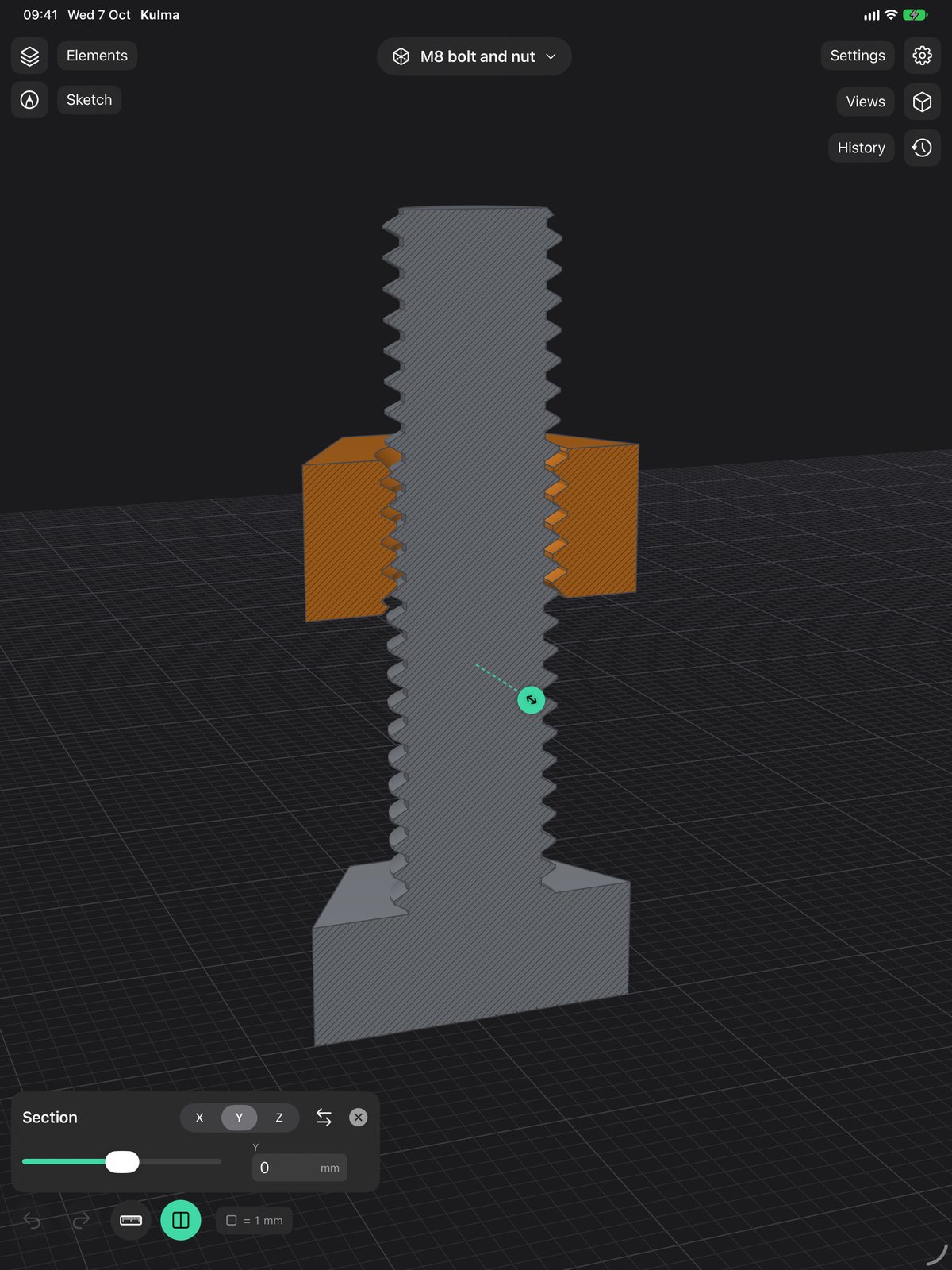
The M8 bolt and nut further down were modelled in it and printed with the 0.2 mm clearance it now uses by default. They screw together.
Diogo
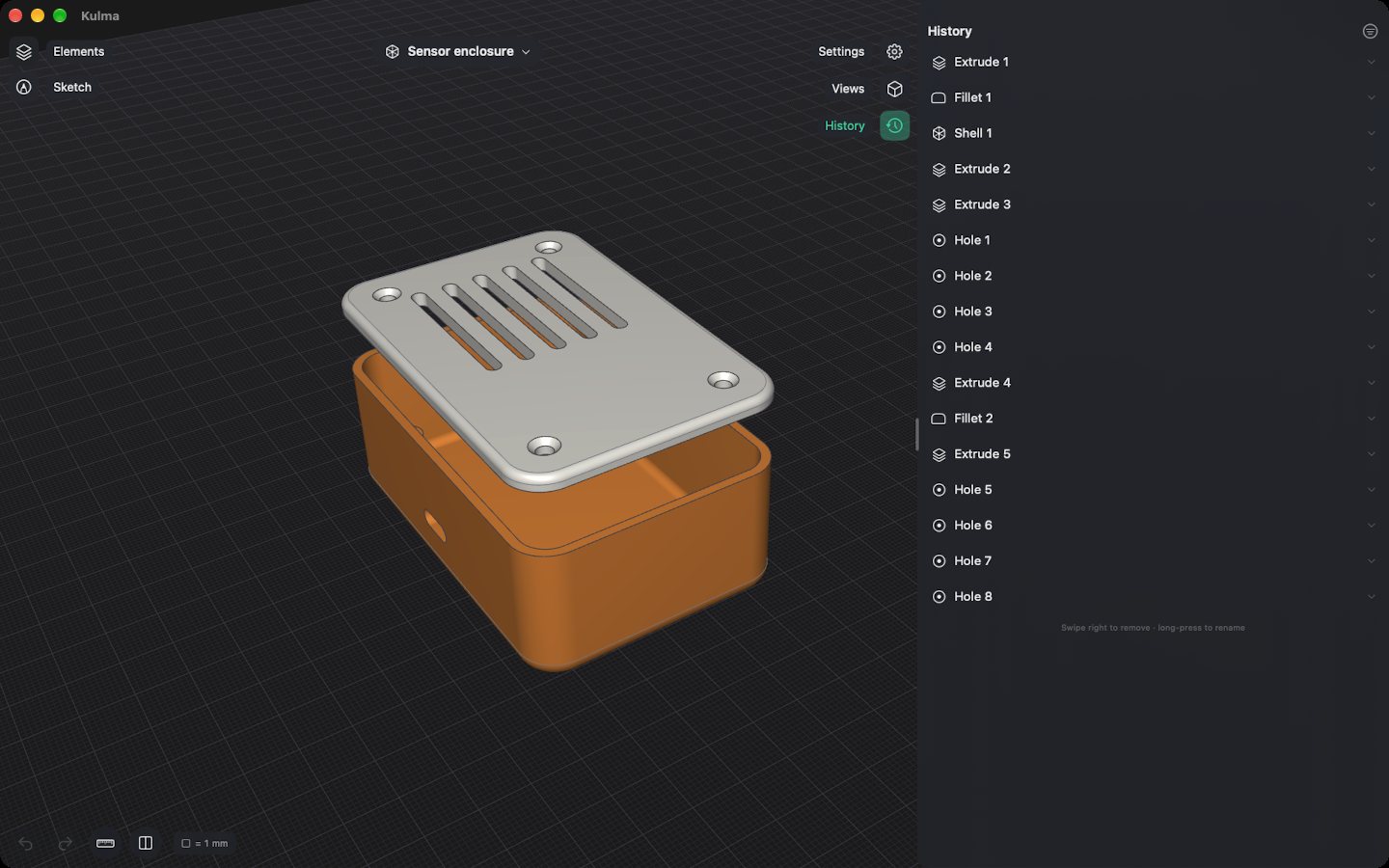
Every step stays in the History list
Each operation keeps its numbers: the size of a sketch, the depth of an extrusion, the radius of a fillet, the pitch of a thread. Open a step, type a new value, and everything after it is rebuilt. Holes stay where they were and fillets stay on their edges.
Dragging is for getting close. Typing is how you get the exact value. Undo covers all of it, including colours, names and the steps inside a sketch.
Sketching
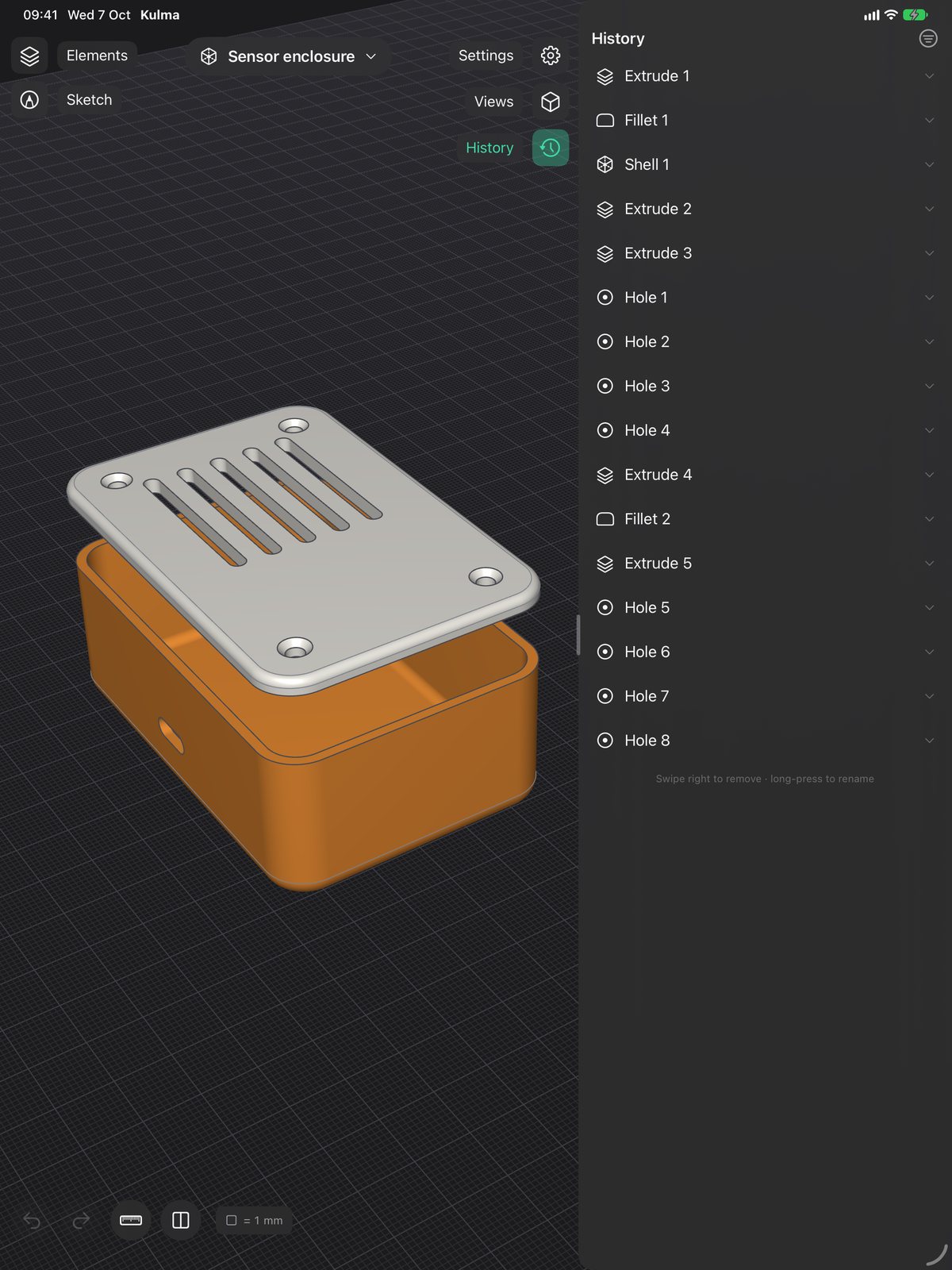
You draw on the ground plane or on any flat face: lines, arcs, rectangles, circles, ellipses and text. Each shape shows its dimensions as fields you can tap and edit. Constraints (horizontal, vertical, parallel, perpendicular, equal, tangent, concentric) keep things in place when you change them, and guides snap to centres, ends and midpoints while you draw.
Already have a drawing? Import a DXF or SVG. The units are read from the file, and arcs and circles come in as real arcs and circles rather than dozens of short lines.
From sketch to solid
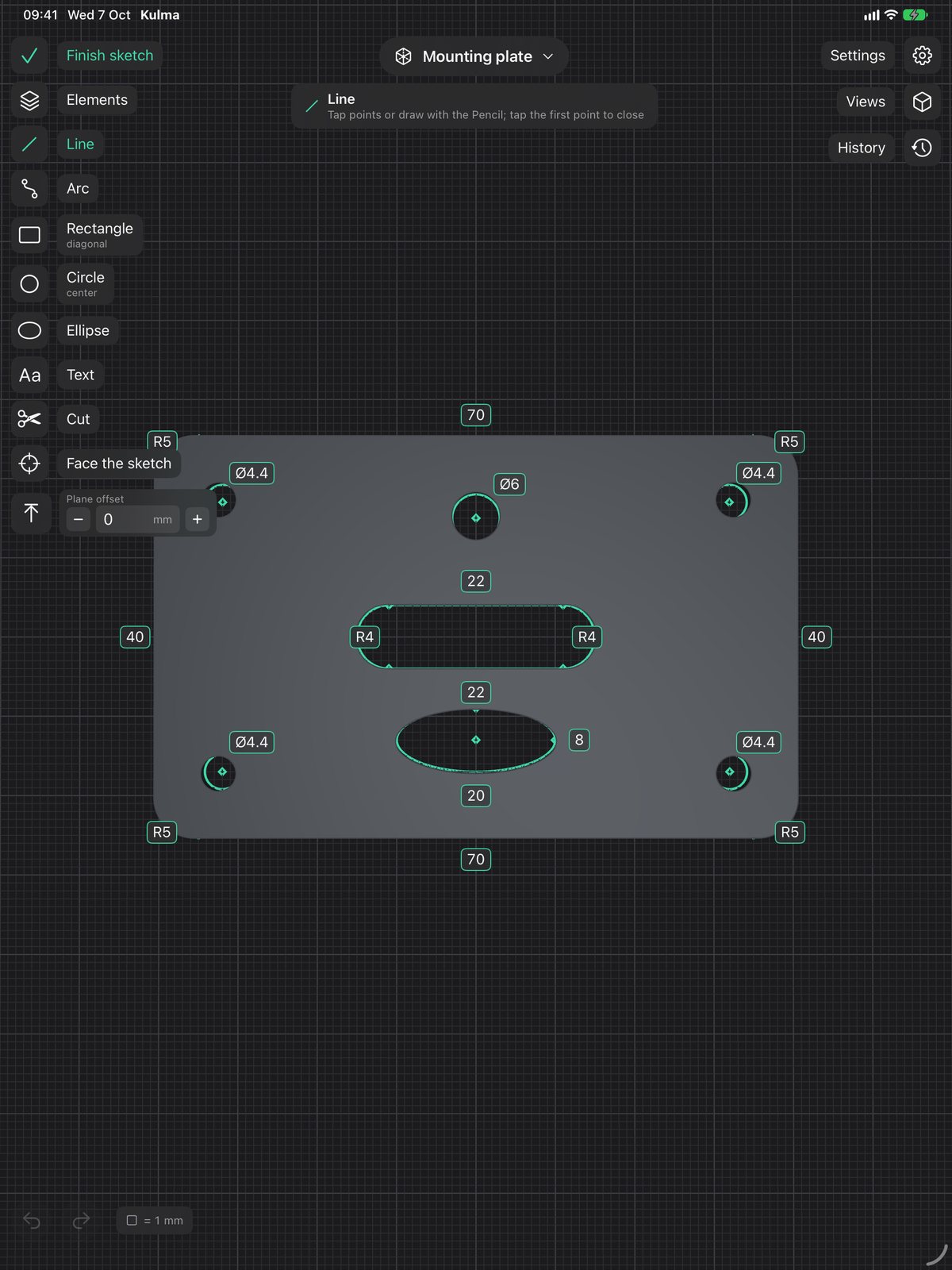
Extrude, revolve, sweep along a path or loft between profiles. The result can be a new body, or it can be added to, cut out of or intersected with one you already have.
Then push and pull faces, drill holes (countersunk if you like), shell a body into a box with thin walls, or offset a round face to loosen a fit. Bodies can be moved, rotated, scaled, mirrored, aligned and patterned.
Whatever you select, the tools for it show up down the left side. There's no toolbar to hunt through.
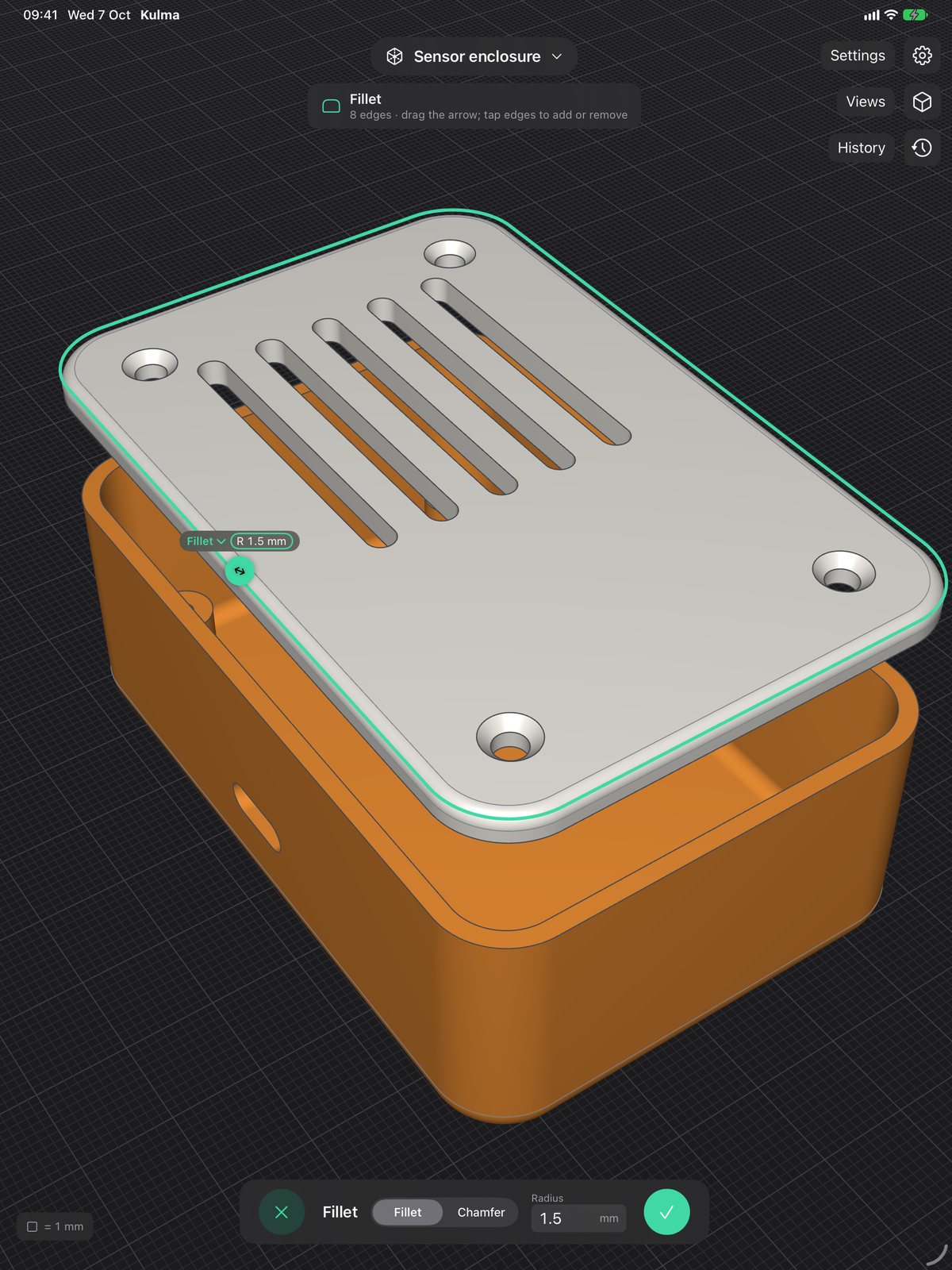
Fillets and chamfers
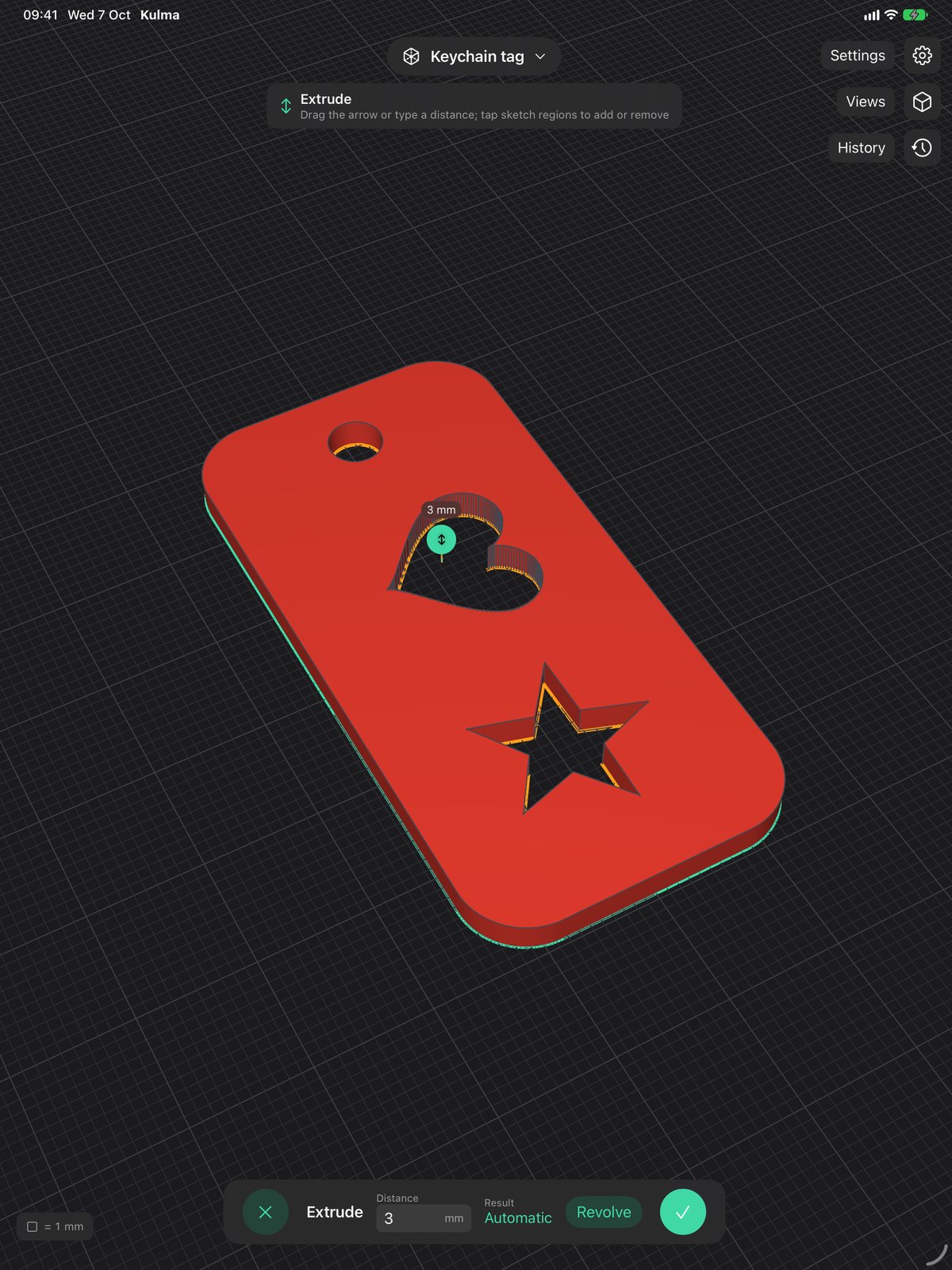
Tap the edges you want and drag. Tangent edges are picked up as one chain, so going around a rounded corner takes one tap. It works on straight and curved edges, on outside and inside corners, and on the rims of holes. You can switch between a fillet and a chamfer while dragging.
Threads that fit
Pick a cylinder, a peg or a hole, and Kulma cuts an ISO metric thread into it with the standard pitch for that diameter. A clearance setting lets a printed bolt go into a printed nut; 0.2 mm worked with a 0.4 nozzle. Both ends get a small chamfer so the first turn catches.
The section view in this screenshot cuts the model along X, Y, Z or any face, so you can see how two parts meet before you print them.
Colour, material and weight
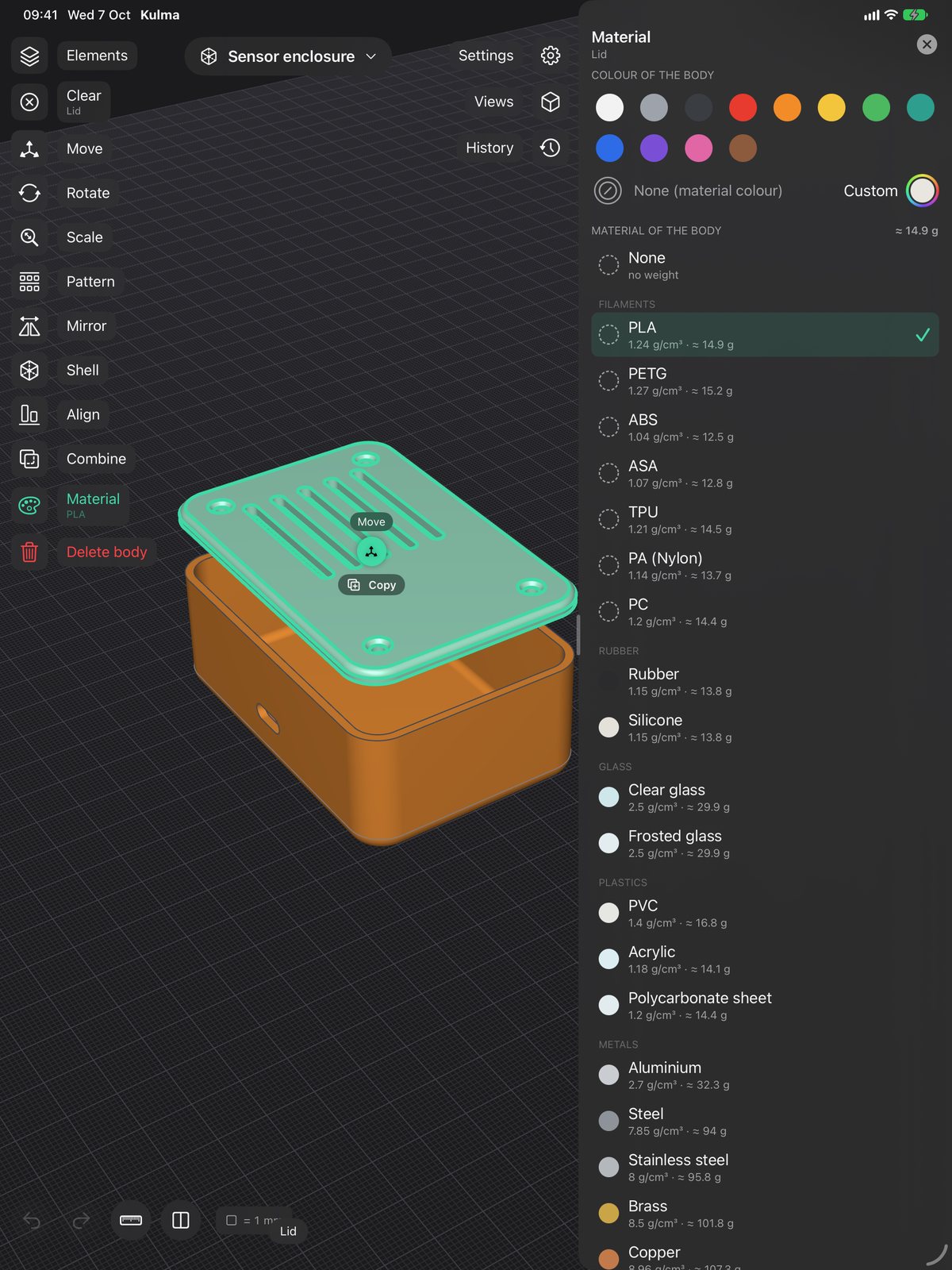
Bodies, and single faces, can have their own colour. Give a body a material and Kulma shows what it weighs. PLA, PETG, ABS, ASA, TPU, nylon and PC are in the list, along with rubber, glass, acrylic, a few metals and wood, and you can add your own with its density.
Colours and materials go into the 3MF, so a multi-colour printer gets one filament per part. The ruler measures lengths, angles, areas, volumes and distances, and on the iPad you can put the part on your desk in AR at its real size.
On iPad and on the Mac
Same app, same files. One purchase covers both.
iPad
- Pencil
- draws and selects
- One finger
- orbits the view
- Two fingers
- pan; pinch to zoom, twist to roll
- No Pencil?
- tap with a finger to place points and select
Mac
- Click and drag
- draws and selects
- Right-drag
- orbits; with Shift or the middle button it pans
- Scroll or pinch
- zooms; twist on the trackpad to roll
- Keyboard
- Enter confirms, Esc finishes a sketch, ⌘Z undoes
File formats
| Format | Use it for |
|---|---|
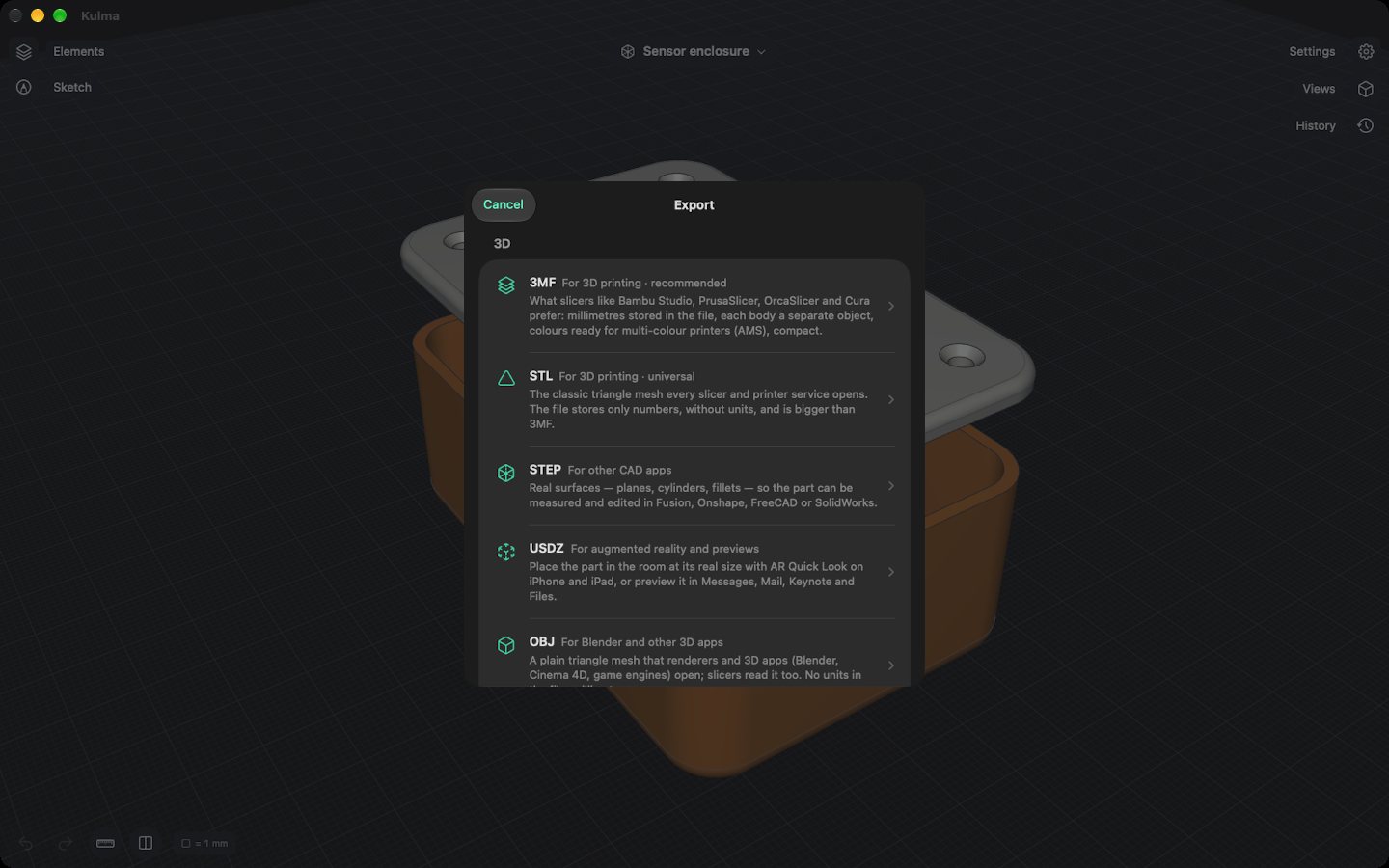
| 3MF | Slicers such as Bambu Studio, PrusaSlicer, OrcaSlicer and CuraUnits are stored in the file, each body is its own object, and colours and materials are kept. |
| STL | Any slicer or print serviceBinary or ASCII, in millimetres or inches. |
| STEP | Other CAD softwareReal surfaces (planes, cylinders, cones, spheres, tori) rather than triangles, so the part can still be measured and edited. Colours included. |
| OBJ, USDZ | 3D apps, AR and previewsWith materials. USDZ opens in AR Quick Look, Messages, Mail and Keynote. |
| DXF, SVG | Laser cutters, plotters, drawingsOf a sketch or a flat face, in millimetres, with exact arcs and circles. |
| Import | STL meshes as bodies, DXF and SVG as sketches, and other Kulma documents |
Price
The first 14 days are free and nothing is held back. The trial starts the first time you edit something, not when you install. After that you can take a yearly subscription or pay once.
Trial
14 daysEverything, free. No payment details.
Kulma Yearly
€19.99 a yearRenews each year. Cancel whenever you like in your Apple Account settings.
Kulma Lifetime
€49.99 oncePay once and keep it, updates included.
If you don't buy either, Kulma still opens your files. You can look at them, measure them and use the section view; editing and exporting stop.
Prices in euro. The App Store shows them in your currency.
Questions
Does it need an internet connection?
No. All the modelling happens on your iPad or Mac. The only connection Kulma makes is to the App Store, to check your purchase.
Where are my files?
On iPad, in Kulma's folder in the Files app. On the Mac, in its Documents folder. They're ordinary .kulma files, and you can also open and save them in iCloud Drive or anywhere else.
What happens when the trial ends?
Nothing is deleted. You can open every document, look at it, measure it and cut it open. Editing and exporting come back when you buy Kulma Yearly or Kulma Lifetime.
Can it do assemblies or 2D drawings?
No. Kulma is meant for single parts and small sets of parts that you print or cut. There are no joints, drawing sheets or simulation, and I'd rather make the things it does work well.
Will my parts open in other CAD apps?
Export STEP. It keeps real surfaces, so the part can be measured and changed there. For slicers, use 3MF or STL.
Which devices does it run on?
iPads with iPadOS 17 or later, and Macs with macOS 14 or later, Apple silicon or Intel. An Apple Pencil helps but isn't required.
Support
Email me. I read everything, and if something goes wrong, attaching the .kulma file makes it much easier to find.
offline@dresende.pt